• Boksburg, South Africa

Industrial & commercial manufacturing

Send your dimensions, intended use, quantity and required finish.

Digital manufacturing

From prototype development to functional production

A project can begin with a CAD file, a drawing or a reference part. The review establishes the required dimensions, assembly details, material, quantity and finish before printing starts.

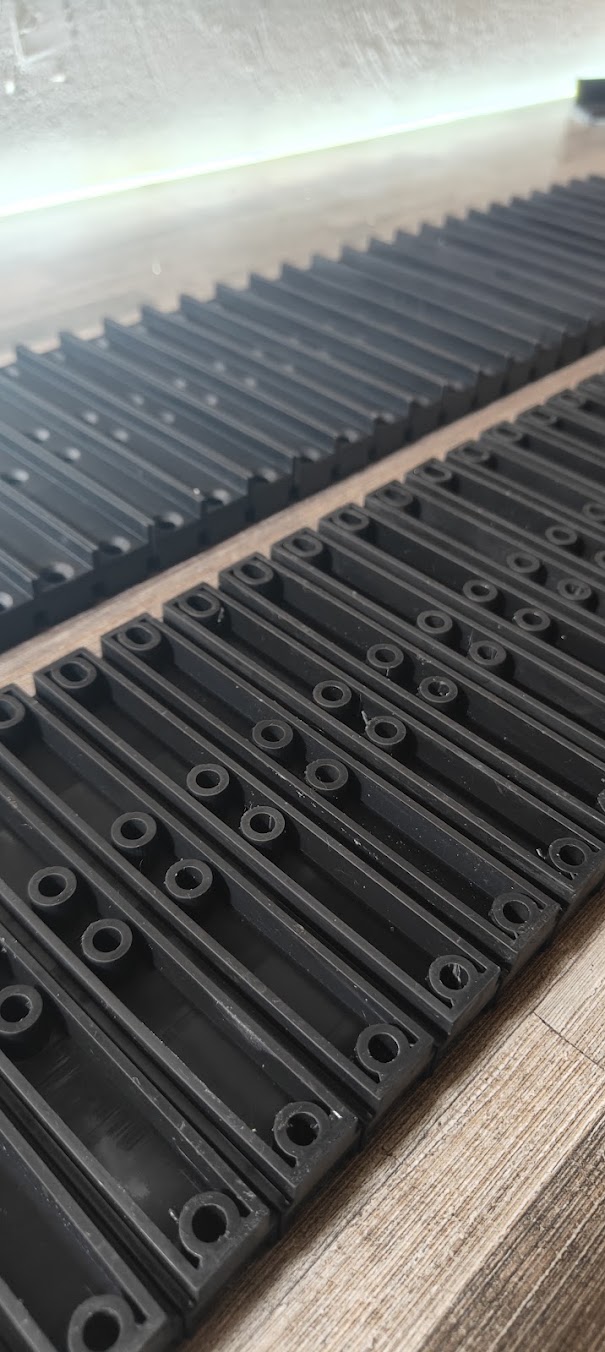
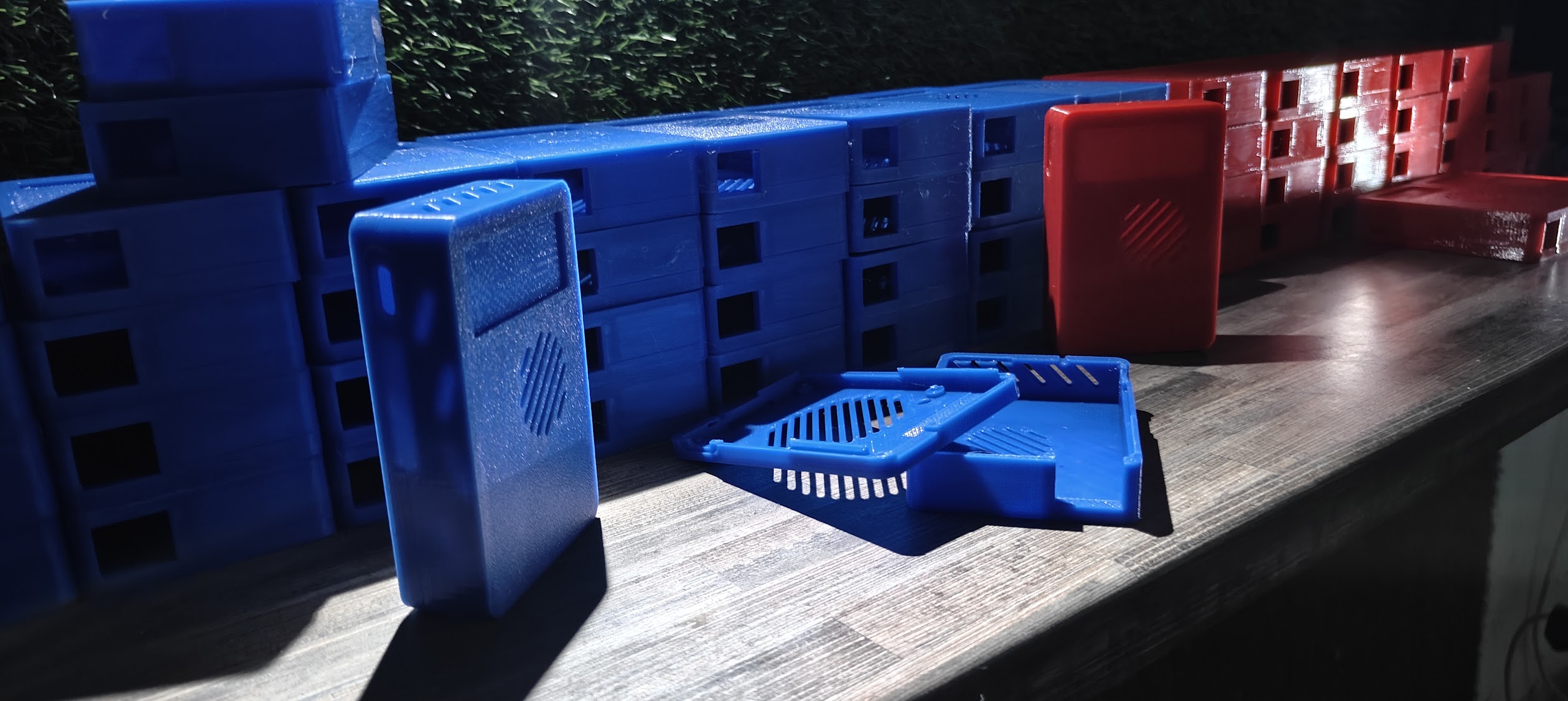
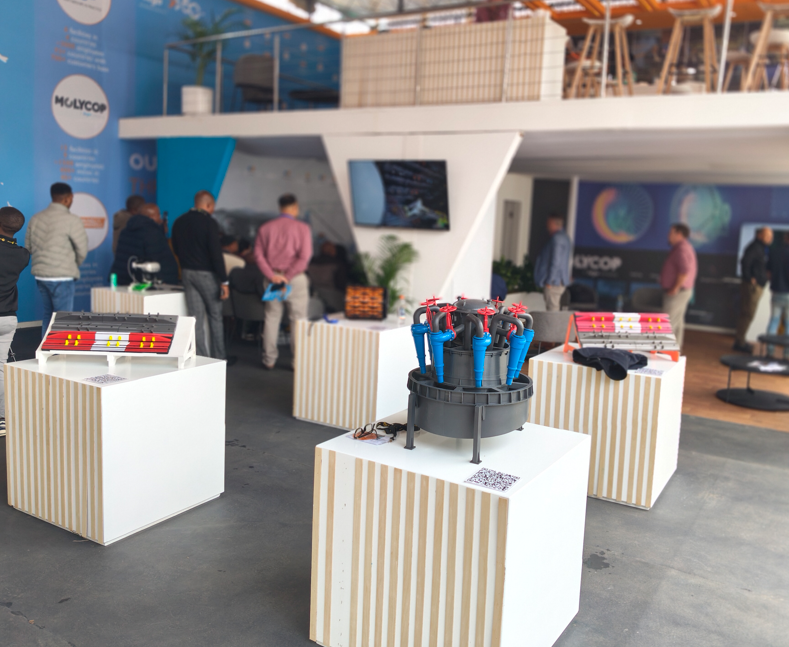
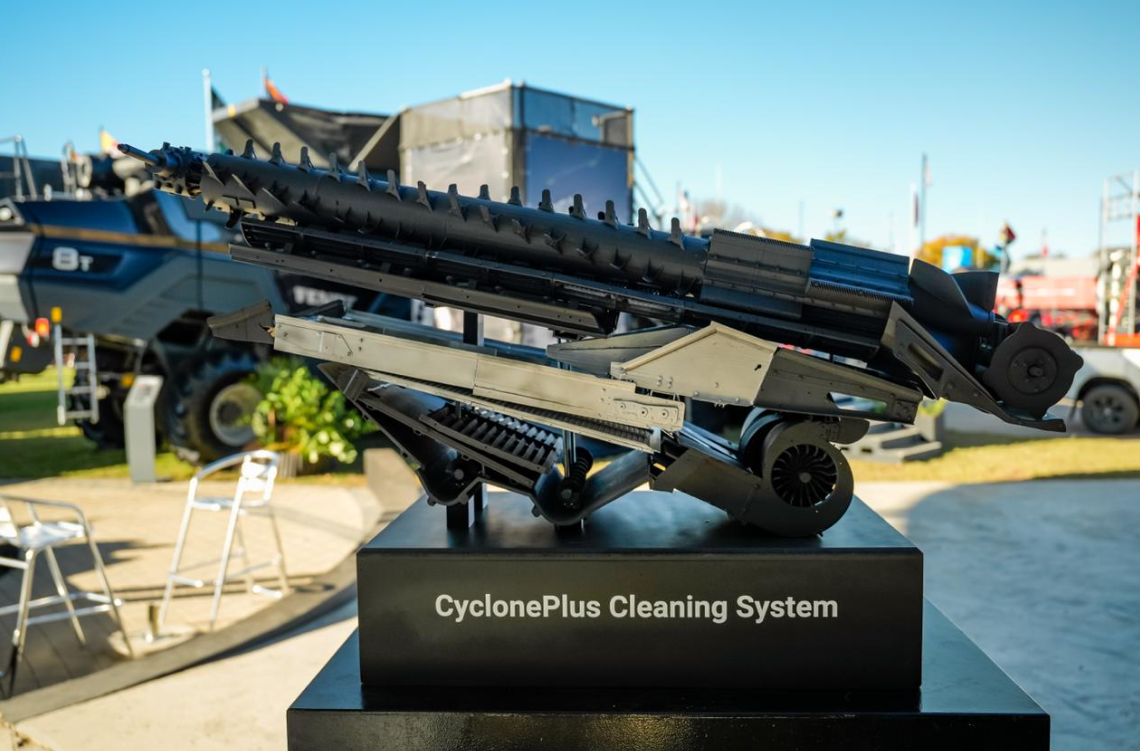
The Manufacturing Division produces custom machine covers, enclosures, large-scale components and functional parts, alongside technical scale models and life-size commercial builds. Digital design and additive manufacturing connect development work with physical production.

See the manufactured work

DESIGN & FILE REVIEW

Bring a CAD file, drawing or reference part. Discuss design support, dimensions, assembly and print preparation before production.

BRIEF / DIMENSIONS / PRINT PREPARATION

PROTOTYPES & FUNCTIONAL PARTS

Check the geometry, test the fit and develop the design. For functional parts, loads, temperature and exposure guide the material and process.

FIT MODELS / HOUSINGS / JIGS & FIXTURES

LARGE-SCALE & COMMERCIAL BUILDS

Large-scale components, technical scale models and life-size props for commercial applications. Establish the assembly, handling, appearance and functional requirements before manufacture.

SCALE / ASSEMBLY / SURFACE FINISH

BATCH MANUFACTURING

Custom enclosures, covers and repeat parts produced in quantity. Agree the design, material and finishing requirements before the run.

BULK ENCLOSURES / REPEAT PARTS / SERIES PRODUCTION

Selected DC3D work

Industrial and commercial projects

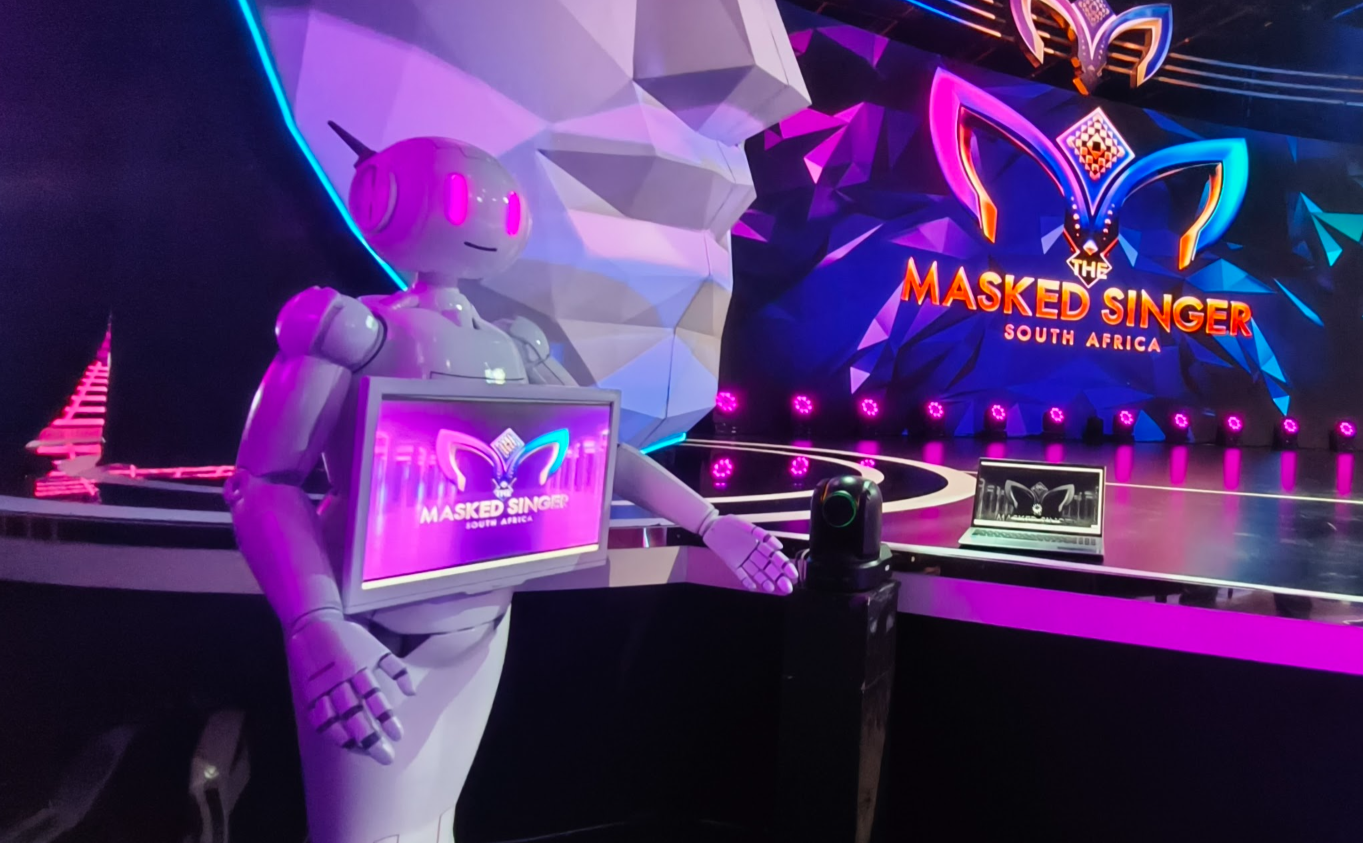
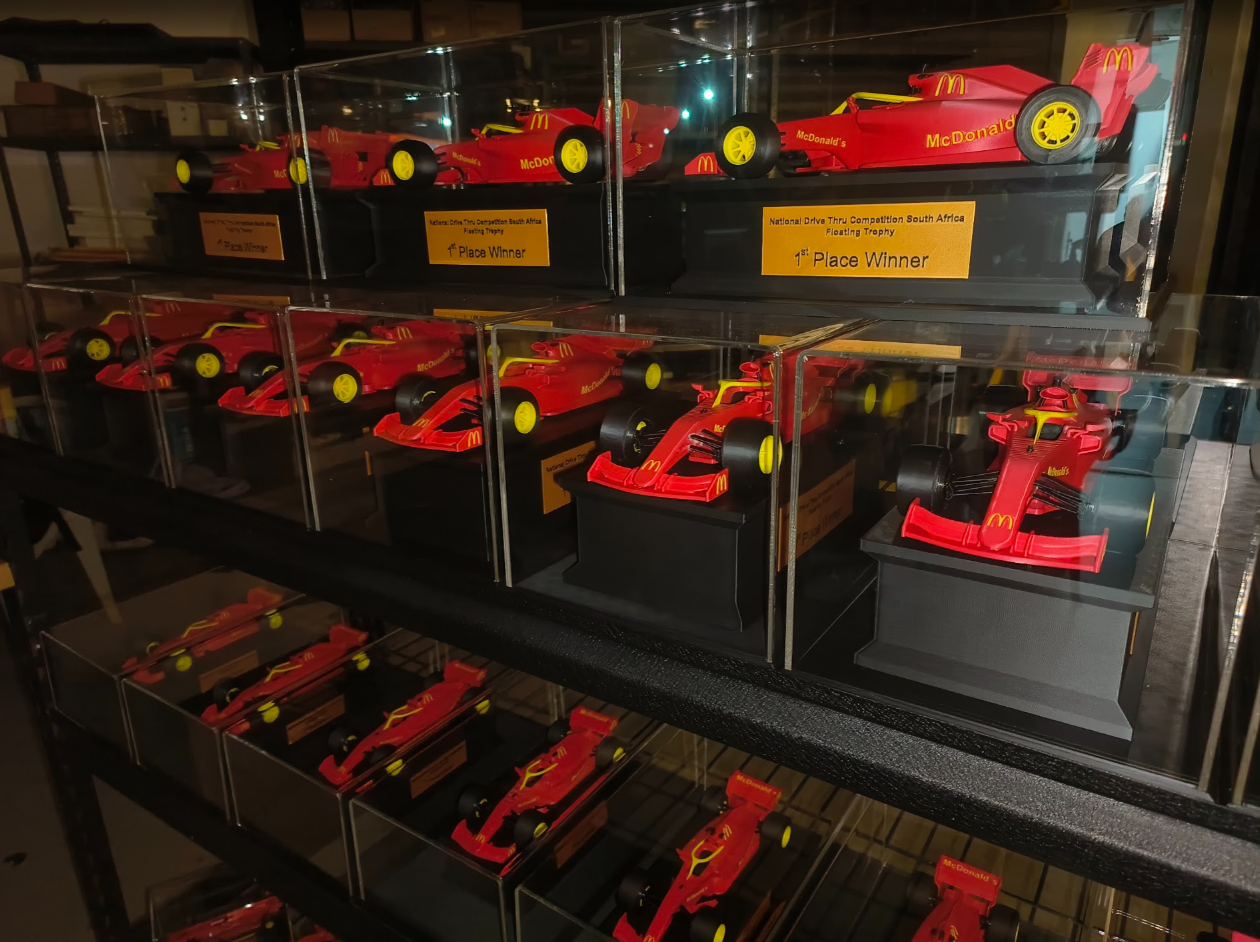
These projects show batch-produced machine covers and enclosures, technical scale models, a life-size stage prop and branded award production. Open a photograph for a closer view.

6 projects

Industry applications

Industrial sectors and commercial applications

Select a sector to see relevant project examples and the information needed to discuss a similar application.

Custom covers and filler parts for larger machines
APPLICATION NOTES01 / 08

Custom machine covers, enclosures and prototype parts

Custom covers and filler parts can be manufactured to fit onto a larger machine, while prototype parts can be used to review a design before a production run. Provide the machine dimensions, mounting locations, required quantity and working environment with the enquiry.

  • Machine covers & filler parts
  • Fit & assembly prototypes
  • Custom enclosures & housings

From enquiry to manufacture

How a project is prepared

The video above shows printing and machinery-model footage from DC3D projects. Before a job reaches the printer, the model and its requirements are reviewed and the quotation is agreed.

  1. 01

    Review files and dimensions

    Share the application, drawings or CAD files, quantity and deadline. Identify the mounting points, mating features and dimensions that need particular attention.

  2. 02

    Agree material, finish and cost

    Review operating conditions, assembly requirements and visible surfaces. Confirm the material, finishing work, quantity and quotation before manufacture begins.

  3. 03

    Print and review the parts

    Use a prototype or fit check where the design requires it. Review the result before proceeding with the agreed production quantity.

  4. 04

    Complete finishing and handover

    Complete the finishing included in the quotation, then arrange collection or delivery. Repeat orders can refer to the agreed design and specification.

Project enquiries

Request an industrial or commercial manufacturing quotation

Include the intended use, approximate dimensions, quantity, finish and required date. Drawings, CAD files and reference photographs can be attached in your email app.

Talk on WhatsApp

PROJECT DETAILS FOR A QUOTATION* REQUIRED FIELDS

This prepares an email to DC3D. Add CAD files or photographs in your email app before sending.

YOUR INFORMATION

How the enquiry form uses your information

This website prepares your brief in your own email app. The form is not submitted to a server. A draft is saved in this browser only if you select “Save draft on this device”; use “Clear draft” to remove it.

When you send an email or WhatsApp message, the relevant provider handles that message. Please keep confidential design files out of the form and discuss the appropriate way to share them with DC3D.